There's a very particular moment, just after landing, when airplane mode is switched off: the phone buzzes three or four times in a row. A welcome message from the local carrier, a reminder from your French provider about rates, sometimes a banking alert. This little ritual seems harmless. Yet it signals a major technical shift: your messages are no longer taking the same route they did yesterday.
A text sent from Marseille and a text sent from Marrakech don't travel through the same equipment, aren't subject to the same legislation, and don't expose you to the same risks. The topic is rarely covered in travel guides, wedged somewhere between "remember your plug adapter" and "keep an eye on your backpack". It deserves better, because being away from home is often when you most need to receive a banking code — and when it's hardest to get one.
Here, concretely, is what changes for your messages the moment you cross a border, and how to get your line ready before you leave.
What actually happens when your phone changes country
When you connect to a foreign network, your SIM card (or eSIM) authenticates with the local operator, which queries your French provider to confirm that you're entitled to use its network. That's roaming. Your number stays the same, so does your subscription, but the cell tower serving you no longer belongs to Orange, SFR, Bouygues or Free.
That detail has three direct consequences.
Your texts pass through an operator you didn't choose
A text received abroad first arrives at your French provider, which forwards it via international interconnection to the local operator, which then delivers it to you. At every stage, the message is stored in plain text — that's the very nature of SMS, which was never designed with end-to-end encryption. You don't choose these intermediaries, and you have no visibility into their data retention practices.
Within the European Union, the roaming regulation (known as "roam like at home") governs pricing, and the GDPR applies to the data processed. Outside the EU, those guarantees fall away: retention obligations, access by local authorities and security conditions are all governed by the law of the country you're visiting.
The interconnection protocol remains the weak link
Exchanges between operators rely largely on legacy signalling protocols — SS7 for 2G/3G, Diameter for 4G — whose vulnerabilities have been publicly documented for more than a decade. ANSSI, like ENISA at European level, has regularly warned about the risk of message interception or redirection exploiting these protocols. Such attacks remain targeted and expensive: the average traveller is not the target. But the principle is established: a text message is not a confidential channel, and it's even less so when it crosses several operators on several continents.
Delays get longer, and that's a practical problem
International routing adds latency. A one-time verification code valid for sixty seconds may arrive after it has expired. On some networks, the queue of incoming messages only empties when the phone reattaches to the network — hence those bursts of texts that all land together several hours late.
The real travel trap: no longer receiving your security codes
This is the most common scenario, and the most frustrating. You're abroad, you need to approve an online payment or log back into your bank, and the verification text never arrives.
Three causes often stack up:
| Cause | Symptom | What to do |
|---|---|---|
| Data roaming turned off | Calls go through, texts arrive, but the banking app won't connect | Enable data roaming or switch to the hotel Wi-Fi |
| French line replaced by a local eSIM | No more texts at all on your French number | Keep the French line active for incoming messages, even without a data plan |
| Validation via in-app notification | The app asks for confirmation within the app, not by text | Make sure you have a stable internet connection for the app |
The most common case in 2026 involves travellers who buy a tourist eSIM to avoid roaming charges outside the EU. An excellent idea for data, a classic trap for messages: if you fully deactivate your French line, you cut off texts from your banks, government services and online accounts. The right setup is to keep the French line active for voice and texts (receiving them is usually free or very cheap), and reserve the local eSIM for data.
Before you leave, check in your online account that the "roaming" option is actually enabled on your line. Some entry-level plans block it by default outside Europe.
Another precaution that sounds trivial and saves holidays: travel with a high-capacity power bank in your hand luggage rather than in your checked bag. A dead phone in an airport means an inaccessible hotel booking, a lost transport QR code and, above all, no way to receive a security code.
Text scams specifically tailored to travellers
Smishing follows the seasons. In July and August and during school holidays, fraudulent campaigns switch scripts to match travel situations. Cybermalveillance.gouv.fr and the DGCCRF regularly flag these waves.
The fake carrier message
"Your plan has reached its roaming data limit. Top up to continue using your line." The message lands exactly when you're worrying about your usage. It points to a page that mimics your provider's customer portal and asks for your credentials, then a payment method.
The reflex: no French carrier ever asks you to enter your bank card details from a link in a text. Open the carrier's official app, or dial the customer service number from the phone itself.
The fake booking notification
A bogus message from a rental platform, an airline or a hotel: "Your reservation requires payment re-validation within 24 hours." Time pressure is the constant marker. Reputable platforms keep all their correspondence within their own internal messaging system — a booking message that pulls you out of the app is suspect by design.
The fake relative in trouble
This one targets those who stayed behind: "Mum, I lost my phone abroad, here's my new number, can you send me some money?" Geographical distance makes verification difficult and the urgency credible. The countermeasure is old and effective: agree before departure on a question only the family knows the answer to.
The fake entry form for the country
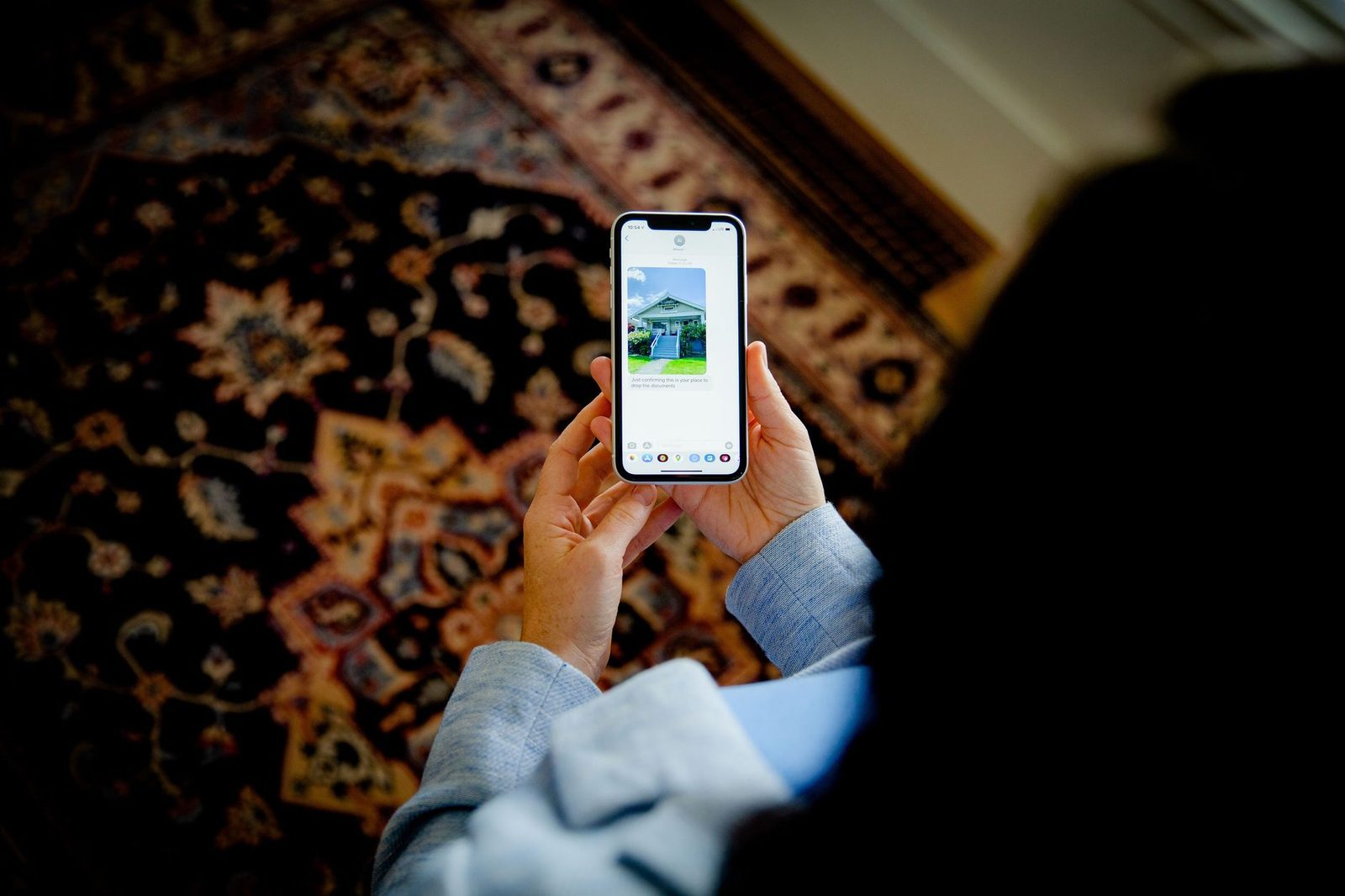
A recent development: fake texts invoking a travel authorisation, a health form or a tourist tax to be paid online before arrival. They exploit the genuine proliferation of such formalities. Official authorisations are handled exclusively on government websites, never from a link received by message.
Public Wi-Fi, hotels, airports: what it means for messaging
Standard SMS doesn't travel over the internet: it uses the operator's signalling network. A malicious public Wi-Fi therefore can't read your text messages. It can, however, go after everything else: web sessions, poorly configured apps, and above all IP-based messaging services (RCS, WhatsApp, Signal, iMessage), which do travel over the internet.
The good news: these messaging apps encrypt their content end to end. The network sees that there's traffic, not what it contains. The residual risk lies in metadata — who talks to whom, when, how much — and in web pages opened from a link.
Three rules are usually enough:
- Turn off automatic connection to open Wi-Fi networks in your phone's settings. Otherwise the device will latch on by itself to any network bearing a name it already knows, including a rogue hotspot called "Airport_Free_WiFi".
- Use a VPN for sensitive operations on a shared network. A subscription to a reputable service does the job; be wary of free apps that monetise your traffic.
- Never enter banking credentials on a page opened via a link, whatever the network.
For anyone travelling with a laptop in shared spaces, a privacy screen filter solves a problem that neither encryption nor a VPN addresses: the person in the next seat reading over your shoulder. The same logic applies to your phone on a train or in a queue.
Getting your line ready before departure: the checklist
What follows takes twenty minutes at home and avoids most of the hassle.
One week before
- Check that roaming is enabled on your line, and find out the rates outside the EU (incoming texts are generally free, outgoing ones billed per message).
- Write down, on paper, your carrier's customer service number for use from abroad, along with your bank's card-blocking hotline. These numbers are not the same as in France and aren't always reachable via an 0800 line.
- Enable an authentication method that doesn't depend on the mobile network on your critical accounts: an authenticator app generating offline codes, or a physical security key. That's the only real answer to "my code isn't coming through".
- Make a full backup of your phone, messages included.
The day before
- Update the operating system and your messaging apps.
- Check that SIM card locking with a PIN code is enabled: if your phone is stolen, this prevents the SIM being moved to another device to receive your codes.
- Review the settings for filtering unknown senders in your Messages app.
On arrival
- Manually select the network if your phone keeps hesitating between several local operators.
- Ignore welcome texts containing promotional links, including those that appear to come from the local carrier.
The case for a second phone
For certain trips — high-risk areas, sensitive business travel, destinations where device inspection at the border is common — the question of a second device deserves serious thought. An unlocked entry-level smartphone used as a travel phone, with no message history, no personal accounts and no banking apps, drastically reduces your exposure. You install only the essentials: offline maps, tickets, an encrypted messaging app.
This approach has a cost, but it settles a difficult question: what do you actually lose if the device disappears? On a properly prepared travel phone, the answer is "a device". On your main phone, the answer includes ten years of messages, your payment methods and access to most of your accounts.
In the same spirit, an RFID-blocking case for passports and cards protects the contactless documents you carry — a risk distinct from that of text messages, but part of the same travel hygiene.
What about RCS abroad?
RCS, the successor to SMS, runs over mobile data or Wi-Fi. When roaming, its behaviour therefore depends on your internet connection, not on the signalling network. Two consequences follow.
First, if you turn off data roaming to avoid the bill, RCS stops working and your conversations fall back to standard SMS/MMS — and therefore unencrypted. You may not even notice: the indicator changes discreetly within the app.
Second, the question of encryption remains, in France, particularly fluid. The rollout of end-to-end encryption between iPhone and Android, begun in 2026, doesn't apply uniformly across countries and carrier configurations. In other words: don't count on RCS to guarantee the confidentiality of an important message while travelling. For genuinely sensitive information, an established end-to-end encrypted messaging app, used by both parties, remains the rational choice.
If something goes wrong while you're there
If you receive a fraudulent message: don't click, and report it to 33700, the French reporting platform for unwanted texts, which works from abroad as long as your French line is active. Reporting to 33700 is done by forwarding the message.
If you clicked and entered banking details: block your card immediately using the number you wrote down on paper, then file a complaint — the complaint can be filed when you get back, but blocking the card can't wait.
If your phone is stolen: ask your carrier to block the line and to block the device by its IMEI number (which you noted before departure). This prevents your number being used to receive verification codes.
Finally, if you need to reach a loved one without an active line — stolen phone, exhausted plan, temperamental eSIM — an online text-sending service usable from any internet connection lets you get the essential information through until you find something better. It's exactly the kind of fallback that's best to know about before you need it.
The key takeaways
Travelling doesn't make text messages inherently more dangerous. It stacks up factors: a network you don't know, vigilance dulled by fatigue and jet lag, scam scripts tailored to the situation, and greater dependence on your phone for everything — payments, transport, accommodation.
Useful preparation comes down to three decisions: keep your French line reachable, don't make access to your accounts depend solely on receiving a text, and assume by default that any unsolicited message received abroad is an attempt, until proven otherwise through a channel other than the message itself.
The rest is just travelling.