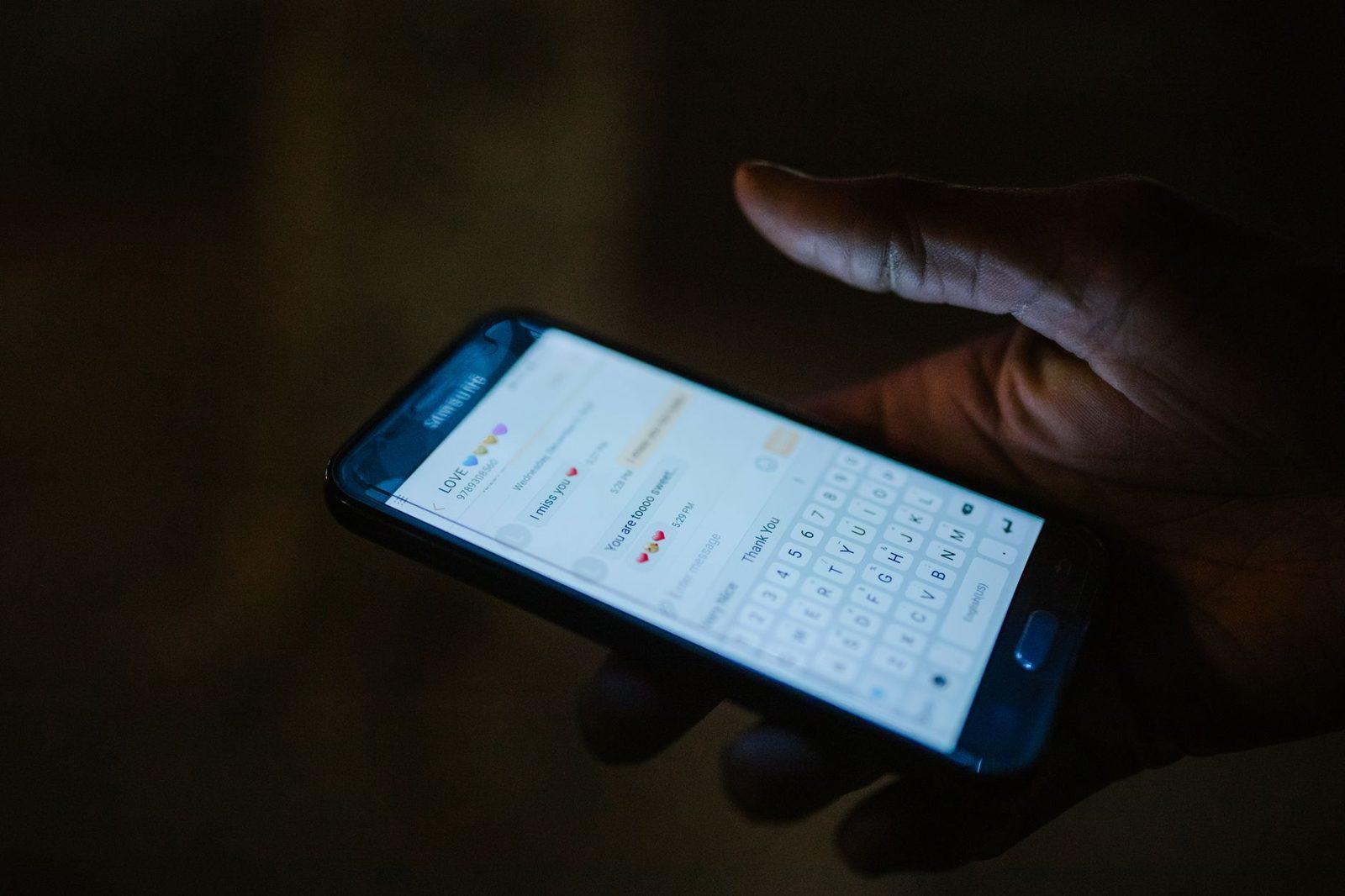
"Mum, it's me, my phone is broken, I'm texting you from another number. Can you help me? I have an urgent payment to make and I can't get into my account."
Jacqueline, 78, has a daughter who lives in Lyon. She knows she's rushed off her feet, that she changes phones often, that she doesn't always call. She replies. The conversation lasts twenty minutes, by text only — "I can't call you, I'm in a meeting." By the end, she has sent €1,900 to an IBAN she has never seen in her life.
Her daughter never lost her phone. She found out three days later, when her mother asked her, embarrassed, whether "the money had arrived all right."
This scenario has a name in police reports: the impersonation-of-a-relative scam, or the hi mum scam in English-speaking countries. In France it spreads almost exclusively via text and messaging apps. And it is only one of three or four families of attacks that specifically target older people.
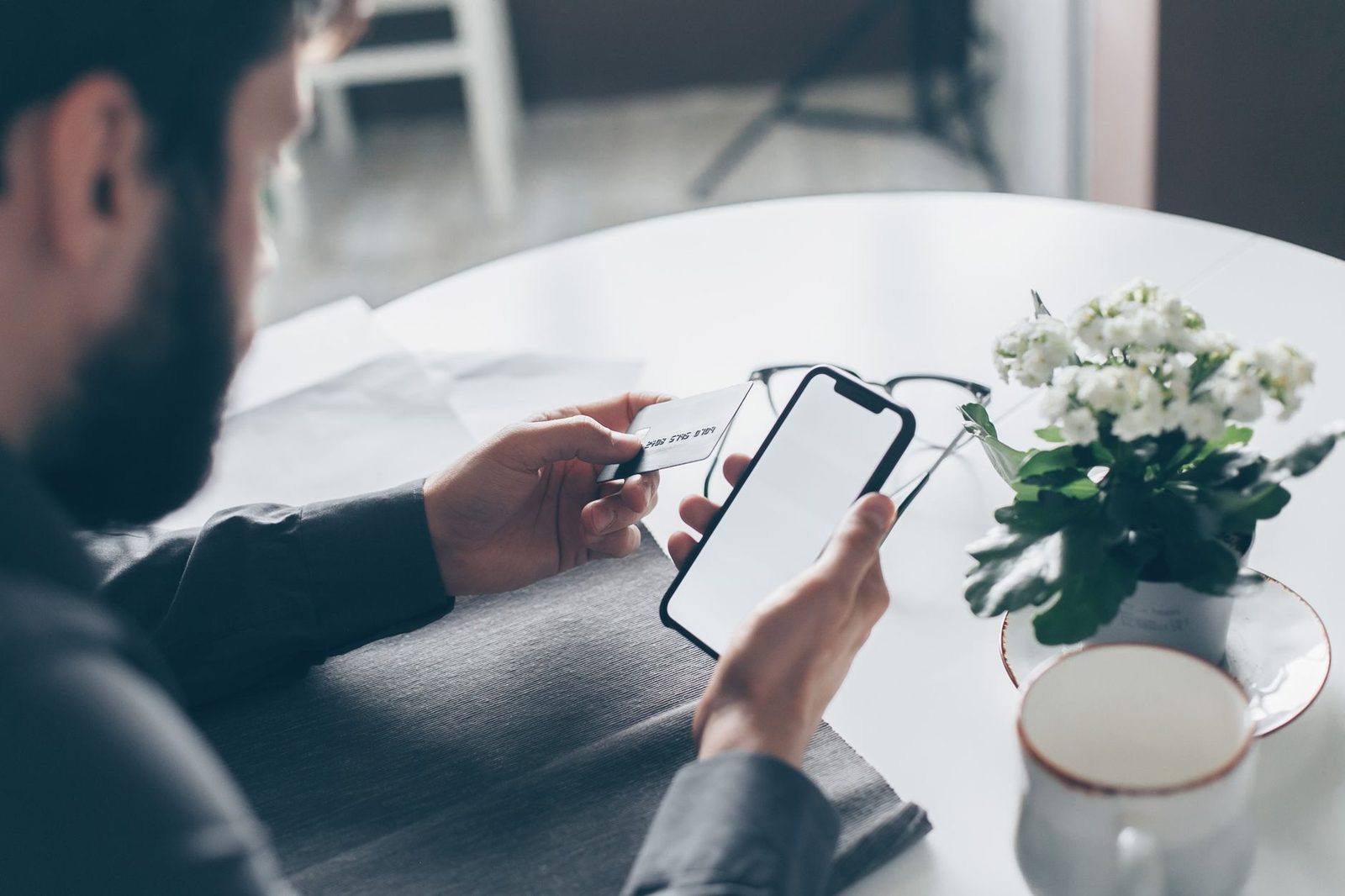
Why seniors are a carefully chosen target, not an easy one
First, let's get rid of a comfortable prejudice: no, older people don't get caught out because they're "hopeless with technology." Many victims have been using a smartphone for ten years, manage their accounts online and spot a badly written phishing email without difficulty.
What makes them attractive to fraudsters comes down to four objective factors.
Available savings. A well-stocked savings account makes the operation profitable from the very first victim. Fraudsters know this and calibrate their demands accordingly: where a fake parcel notification asks for €2.90, the fake relative goes straight for €1,500 to €3,000.
Relative isolation. The instinct to "call my son and check" assumes the son picks up. In the evening, at the weekend, during the holidays, that verification never happens. Fake-relative campaigns are, tellingly, mostly sent at the end of the day.
The relationship to authority. A message claiming to come from the health insurance system, the pension fund or the tax office triggers a stronger reflex of compliance among generations who grew up with official letters carrying real weight.
And finally shame, which means a significant proportion of victims report nothing at all. They play it down, they pay, they keep quiet. This is the factor that fuels repetition: a number that has "worked" once is resold and targeted again.
The Banque de France pointed out in September 2026 that so-called "manipulation" scams — those where the victim authorises the transaction themselves — are growing faster than conventional card fraud. This is precisely that category.
The four scenarios that come up most often
1. The relative in distress
Always the same structure: an unknown number, a change of phone as the pretext, a refusal to speak on the phone, a financial emergency. The fraudster doesn't always know the child's first name — they open with "Mum?" or "Dad?" and let the victim supply it themselves.
Three signals are enough to settle the matter:
- the systematic refusal to make a voice call;
- a request for a transfer to an IBAN that isn't in the relative's name;
- insistence on secrecy ("don't tell Dad, he'll only worry").
2. The fake pension fund or fake social security body
These campaigns exploded in 2026, particularly around Agirc-Arrco and the Assurance maladie. The message announces an "overpayment to be refunded," an "incomplete file" or a "revaluation to confirm," with a link to a form asking for name, social security number, bank details and sometimes a copy of an ID document.
The detail that disarms everyone: these texts sometimes appear in the same conversation thread as the organisation's genuine messages, thanks to spoofing of the alphanumeric sender ID. Visually, nothing sets them apart.
The rule that always holds: no French social security body ever asks for bank details, a card number or an ID document via a link sent by text. Repaying an overpayment is handled through your Ameli account, on lassuranceretraite.fr or by post — never from a link.
3. The fake home-care or personal alarm service
More discreet, more recent. A text offers an "update to your APA file," the "renewal of your home-help tax credit" or a "new personal alarm unit to activate." The link leads to a recurring subscription or to the harvesting of bank details. People who genuinely receive home care are the most vulnerable: the message fits their situation exactly.
4. The fake bank adviser, in two stages
An alert text ("suspicious transaction of €799 — if this wasn't you, reply NO"), then a call within minutes. The voice is calm, professional, knows the first name and sometimes the last digits of the card. It asks the person to "secure" the account by approving operations in the app. Each approval is in reality an outgoing transfer.

The conversation to have — and the one to avoid
The first mistake carers make is turning prevention into a lecture. "You don't understand any of this, let me handle it" produces exactly the opposite of the desired effect: the parent hides their messages, stops asking questions, and ends up alone facing the next text.
What does work, according to prevention charities and the municipal police services that run these workshops:
Tell a story, don't preach. A concrete, specific case that happened to someone else sticks far better than a list of instructions. "You know, Christine's neighbour got one of these" is worth more than "be careful with texts."
Set up a family password. A word agreed between you, simple, never written down in a text. Any unexpected request for money must be backed up with that word, over the phone. It's the most effective firebreak against the fake-relative scam, and the cheapest.
Grant an explicit right to doubt. The sentence to repeat: "you have the right not to reply, to hang up, and to call me at any hour to check — even if it turns out to be nothing." The fear of being a nuisance is the fraudster's most faithful ally.
Never promise not to be angry: prove it. If a victim expects reproach, she'll wait days before speaking up. And when it comes to fraudulent transfers, the first 24 hours are decisive.
For people who prefer reading at their own pace rather than listening, a printed guide to digital security for seniors in large print is often more useful than a demonstration on screen: it can be reread, annotated and kept beside the phone.
The settings to configure together on the phone
None of these settings strips a parent of their independence. They take twenty minutes and are done side by side, on their device, with them.
| Setting | Where | What it prevents |
|---|---|---|
| Filtering of unknown senders | Settings > Messages (iOS) / Messages > Spam protection (Android) | Texts from unknown numbers land in a separate tab |
| SIM card PIN enabled | Settings > Security | A stolen SIM no longer receives banking codes |
| Blocking of carrier billing | Carrier's online account area | Premium-rate subscriptions "at €49/month" |
| Lowered transfer limit | Banking app | Caps the loss in case of manipulation |
| Text/push alert on every debit | Banking app | Detection within minutes, not three weeks |
| Automatic system updates | Settings > General | Patches the flaws exploited by booby-trapped pages |
Two important points.
The lowered transfer limit is probably the single most cost-effective measure on the list. A manipulated victim can't send €3,000 if her daily limit is set at €500. It doesn't block legitimate transfers: you simply request a one-off increase, which imposes a salutary pause for thought.
Filtering of unknown senders needs explaining: otherwise the parent will worry about no longer receiving the doctor's text. Show them the secondary tab and teach them to check it once a week.
If the current device has become unreadable or a source of anxiety, there are large-button mobile phones for seniors whose limited contact list and absence of a browser mechanically eliminate a good part of the attack surface. This isn't a step backwards: for someone who only makes calls and sends texts, it's a rational choice. Conversely, for a parent attached to their smartphone, an adjustable phone stand placed near the armchair, with a screen legible at a comfortable distance, reduces reading errors — many unfortunate clicks simply come from misread text.
When a relative has already clicked: the 24-hour sequence
The urgent thing isn't to understand, it's to act. In this order.
1. Call the bank immediately, on the number printed on the back of the card or on a paper statement — never a number received by text. Ask for the card to be blocked and for any pending transfers to be stopped. A SEPA transfer can sometimes be recalled if it hasn't yet been executed.
2. Block the card via the interbank hotline on 0 892 705 705 if the bank can't be reached.
3. Change the passwords of the accounts concerned from another device: email, bank, government accounts.
4. Report the text to 33700, the official service for reporting spam and fraudulent texts: forward the message to 33700, then send the sender's number when prompted.
5. File a complaint at a police station or gendarmerie, with the screenshots. An online pre-complaint exists, but filing in person remains preferable for a fraud involving financial loss.
6. Report on the official platforms: cybermalveillance.gouv.fr for guidance, Perceval (on service-public.fr) for bank card fraud, Thésée for online fraud.
7. Stay vigilant in the following weeks. An identified victim will be contacted again. Texts promising to "recover your funds" and repay the lost sums are a second scam, built on the files from the first.
Worth remembering about reimbursement: under article L133-18 of the French Monetary and Financial Code, the bank must refund an unauthorised transaction. But if the victim authorised the transfer herself, the institution will often invoke "gross negligence." Case law from the Cour de cassation has nonetheless made clear, in several recent rulings, that credible spoofing of the bank's number or name rules out gross negligence. This point should be stated explicitly in the written claim.
The carer's role, without slipping into surveillance
There is a legitimate temptation: install a monitoring app, read messages remotely, lock down payments. It's effective, and it is tightly regulated by law. Reading the texts of an adult without their consent constitutes a breach of the privacy of correspondence, punishable under article 226-15 of the French Penal Code — including between parents and adult children.
The right approach is contractual, not clandestine:
- propose a banking power of attorney or a joint account for significant transactions, with explicit agreement;
- enable shared alerts on movements above a threshold, at the account holder's request;
- for situations of proven vulnerability, consider family authorisation (habilitation familiale) or a legal protection measure, ordered by the protection litigation judge.
Between these arrangements and doing nothing, there's plenty of room for simple support: a regular phone call, going through the month's messages together, keeping up the habit of checking. A paper password notebook, kept in a locked drawer and never in the phone, is better than a sticky note on the screen or a single password reused everywhere.
And if the person lives alone, a fall detector or a smartwatch for seniors addresses a different risk — but choose a model without an opaque subscription: fake "personal alarm renewal" texts exploit precisely these poorly understood contracts.
Key takeaways
Scam texts aimed at older people don't rely on a technical weakness but on an emotional mechanism: worry about a child, deference to officialdom, fear of doing the wrong thing. No app neutralises that.
What works comes down to five points:
- a family password agreed in advance for any request for money;
- a deliberately low transfer limit;
- the systematic habit of calling back the official number rather than the one received in a message;
- a clearly granted right to doubt, free of judgement;
- an immediate reaction after a click, without waiting to understand what happened.
The best security system for an elderly parent remains a relative who can be reached and who never laughs at the question being asked. The rest is just settings.