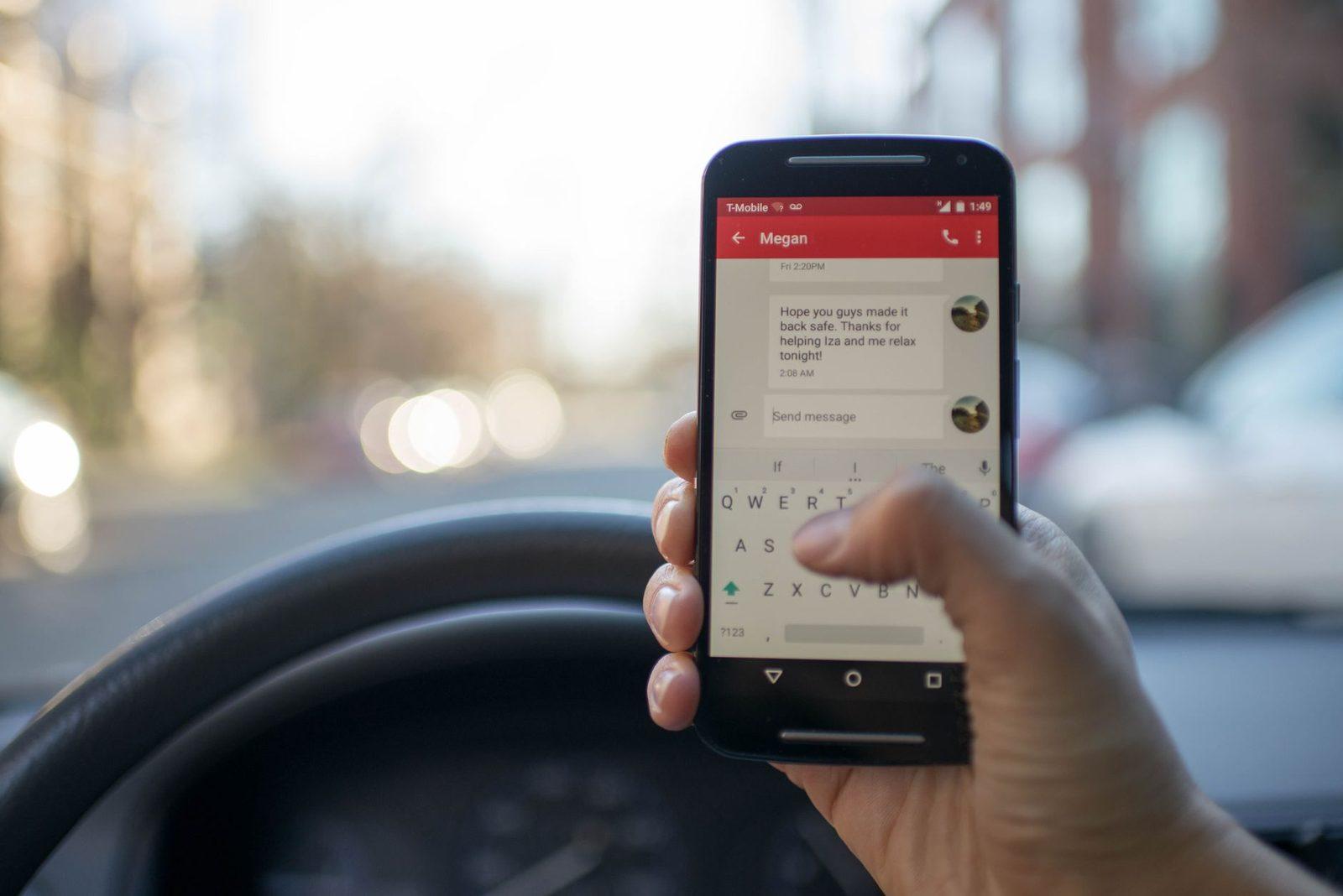
Short answer: yes, opening an account with an online bank or a neobank (Boursobank, Fortuneo, Hello bank!, Revolut, N26, Nickel, Monabanq, etc.) triggers a series of perfectly normal text messages: phone number verification code, ID document confirmation, card activation, first incoming transfer notification. They are free to receive and never ask you to share a code, a password or an IBAN by text. Any message that does is a scam: forward it to 33700.
Updated 3 November 2026.
A 100% online account opening takes about ten minutes on a screen — and brings around fifteen text messages over the following half-day. Your phone number has become the keystone of the whole process: it proves you can be reached, it receives the codes, and later on it will validate every online payment.
That makes this moment an ideal window for scammers. You're expecting messages, you don't yet know your new bank's usual senders, and you're in a cooperative frame of mind: "I need to finish the application." A fake text slipped in at the right moment goes almost unnoticed. Here's how to sort them out, message by message.
Which texts do you really receive after opening an account?
An online account opening generates four families of messages, always in the same order.
- The phone number verification code, within seconds of entering your mobile number. Four to eight digits, no link, often with the note "do not share this code with anyone".
- Application status updates: ID document received, unreadable proof of address to be resubmitted, application under review, account opened. These messages point you to your customer area or to the app, never to a form.
- The bank card: dispatch, then activation, then PIN (with some providers the PIN can be viewed in the app and is never sent by text).
- Day-to-day account notifications: first incoming transfer, first payment, strong authentication for an online purchase (the system known as 3-D Secure).
These texts arrive either from a short code (36xxx, 38xxx), from an alphanumeric sender displaying a brand name, or sometimes from a mobile number belonging to a messaging platform. This variety is normal: banks use professional SMS delivery providers, and the route taken varies. If you want to understand how to identify the sender, our guide to decoding a short code or an alphanumeric sender explains the method.
A legitimate banking text asks nothing more of you than to open your app or go to your customer area. It asks no questions at all.
Why do so many texts arrive at once?
Because opening a relationship remotely is tightly regulated. A payment or credit institution must verify your identity before opening the account: this is the due diligence obligation set out in the Code monétaire et financier (Monetary and Financial Code), articles L. 561-5 and following, which the ACPR, the French prudential supervision and resolution authority, regularly restates in its guidelines.
On top of that comes the strong authentication required by the European payment services directive (PSD2), transposed into French law in 2019: two factors out of "something you know", "something you have" and "something you are". In practice, for most customers the second factor is still the phone — a code by text or validation in the app. Hence the flood of messages in the first few days, followed by a calmer pace.
One useful detail: the Banque de France and the Fédération bancaire française (French Banking Federation) have been pushing for several years towards validation in the app rather than by text, precisely because text messages can be intercepted. If your new bank offers that option, switch it on from day one: it's the best free security setting available to you.
How can you spot a fake account-opening text?
Fake messages rely on three scenarios. Here's how they compare with the real thing.
| The message says… | A genuine institution | A scammer |
|---|---|---|
| "Your application is incomplete, fix it here" | Invites you to open the app or your customer area | Includes a short link to an unknown domain, with a 24-hour deadline |
| "Confirm your identity" | Asks for a document via the secure area | Asks for a photo of your ID by reply text or on a web page |
| "Your account is blocked" | Calls you or writes in the secure message centre | Gives a number to call back, often starting 09 or 06 |
| "Share the code you received" | Never asks for it | Calls you right afterwards to get it |
| "Your card is about to be dispatched, pay €1.90 in fees" | Fees appear in the published price list, never by text | Captures your card details on a payment page |
The most reliable signal remains the link. A genuine banking text rarely contains a URL, and when it does, it points to the institution's main domain. A shortened link, a compound domain (along the lines of "monabanq-securite-client", "revolut-verif") or an exotic extension is enough to classify the message.
Second signal: the demand for immediate action. No bank closes an account within two hours by text. Urgency is the scammer's working tool.
Third signal: the call that follows. The "text then call from a fake adviser" sequence has become the dominant method; we took it apart in our article on the fake bank adviser scam. Remember the rule: an adviser will never ask you for a code received by text, nor ask you to move your money to a "safe account".

Why can a fake text appear inside my bank's real conversation thread?
Because the alphanumeric sender is no proof of identity. A message sent under the name "BOURSOBANK" or "REVOLUT" is automatically filed in the existing thread bearing that name, right next to the genuine codes. This is sender spoofing.
Since 1 October 2024, a call authentication mechanism and filtering of alphanumeric senders have been rolled out by French operators at the instigation of Arcep, under the law of 24 July 2020 against abusive telephone canvassing. The scheme has reduced the phenomenon without eliminating it: campaigns now travel via international routes or through rogue equipment. We described how this works in our article on sender spoofing and your bank's message thread.
Practical consequence: where a message sits in your messaging app says nothing about whether it's legitimate. Only the content matters.
What should you do with the ID documents sent during sign-up?
This is the blind spot of online account opening. In ten minutes, you've photographed your ID card, a proof of address, sometimes a tax assessment and a payslip. Those photos stay in your phone's gallery, then in the cloud backup, then in the conversation history if you sent them by message.
Three useful habits:
- Delete photos of documents from the gallery and the trash once the account is open, including from the automatic backup.
- Scan rather than photograph when you regularly have documents to submit: a USB-powered portable scanner produces a clean file you control, without going through your phone's camera roll.
- Encrypt whatever you keep: if you hold on to copies of your supporting documents, a hardware-encrypted USB stick beats a "Paperwork" folder in the cloud.
Why so much caution? Because a stolen ID document is the raw material for fraudulent account openings — and because a scammer who knows your name, your address and your bank writes infinitely more convincing texts. We detail this chain in our article on the data breach behind suspiciously well-informed texts.
The settings to sort out on day one
Opening an account is the right moment to lock down the phone side of things, because everything is still new.
- Switch on in-app validation rather than text codes, if your institution offers it (usually under Profile → Security → Authentication method).
- Set a PIN on your SIM card, far too often left disabled. On iPhone: Settings → Cellular → SIM PIN. On Android: Settings → Security → SIM card lock. This prevents your SIM being used in another device.
- Hide notification content on the lock screen: a six-digit code readable without unlocking the phone is a code handed to anyone looking over your shoulder.
- Protect the line against SIM swapping: ask your operator to record a block on any new SIM order without physical presentation of an ID document. The topic is covered in our guide to phone number theft via SIM swapping and eSIM.
- Write down the legitimate senders: the alphanumeric name and the short code your bank uses in those first messages. A hardback notebook is enough, and it can't be hacked.
For people juggling several accounts and several authenticator apps, a FIDO2-compatible physical security key is the next level up: it doesn't yet work everywhere with French banks, but it protects your backup email address, which is often the real weak point.

The code isn't arriving: scam or simple glitch?
In the vast majority of cases it's a glitch, not an attack. The classic causes: the sending platform saturated at peak times, a message containing a link filtered by your operator, a mistyped number (one digit transposed), a line in roaming, full SIM memory on older phones, or a short code previously added to a blocklist.
What to do, in order:
- Wait two minutes before requesting another code: each new request invalidates the previous one, and two competing codes are enough to block validation.
- Check the number shown in the form, digit by digit.
- Switch to 4G/5G then to Wi-Fi, or turn airplane mode on and off to force the phone to reattach to the network.
- Check your list of blocked numbers and your anti-spam filters.
- If nothing arrives after 30 minutes, ask for another channel (voice call, in-app validation, email).
Our dedicated article on verification codes that arrive late or never covers each scenario, and the undelivered text troubleshooting page brings together the site's diagnostics.
Watch out for the reverse situation: if you receive a code you didn't request, for an account you've just opened, someone is trying to log in. Share nothing, change the password from the app, and report the incident to the institution.
I clicked: what should I do within the hour?
A fake banking link generally captures three things: your login details, your card number, then an authentication code requested over the phone. If you entered anything:
- Block the card from the app, or via the interbank hotline on 0 892 705 705.
- Change the password for your customer area, then the one for the associated email address.
- Call your bank on the number printed on your card or shown on the official website — never the one in the text.
- Report the message to 33700 by forwarding it, then send the sender's number in the reply text. The service is free from all four operators. See the report a text to 33700 page.
- File a complaint and keep screenshots. In the event of an unauthorised debit, articles L. 133-18 and following of the Code monétaire et financier (Monetary and Financial Code) provide for reimbursement by the bank, barring gross negligence on your part — and the Cour de cassation (French Supreme Court) case law tends to favour the customer where the bank's identity has been impersonated.
- Report the incident on cybermalveillance.gouv.fr, which will direct you to the appropriate steps.
The 72 hours after a click are decisive: we timed them out in what to do after being caught out by a scam text.
In summary
- The texts sent during an online account opening are numerous, free, and never ask you a question.
- A genuine message sends you to the app or your customer area; a fake one sends you to a link or a number to call back.
- The displayed name and the message's position in the thread prove nothing: sender spoofing exists.
- Switch to in-app validation from day one, protect the SIM with a PIN, hide notification content.
- When in doubt: no reply, call the bank on a number you found yourself, forward to 33700.
Frequently asked questions
Can an online bank text me from an 06 mobile number? Yes, that happens when the institution uses a sending platform that relies on long mobile numbers, particularly for transactional messages. So it isn't a sign of a scam in itself — but it is a message to read more carefully than one from a familiar short code.
Should I reply STOP to commercial texts from my new bank? Yes for promotional offers: a STOP opt-out is mandatory and free on advertising campaigns. On the other hand, never reply STOP to a suspicious message: it confirms your number is active.
Can a text message really be used to open an account in my name? Not on its own. But combined with a stolen ID document and an intercepted code, it makes it possible to get past remote checks. That's why protecting your number and deleting photos of documents matter so much.
How can I check the short code that wrote to me? French SMS short codes are allocated by AF2M under Arcep's supervision. The site's numbering and short codes page explains the ranges and how to trace the sender.
Does 33700 also handle fake banking texts? Yes. 33700, run by the Signal Spam association together with the operators, receives reports of fraudulent texts whatever sector is being impersonated, and allows sending numbers to be blocked.